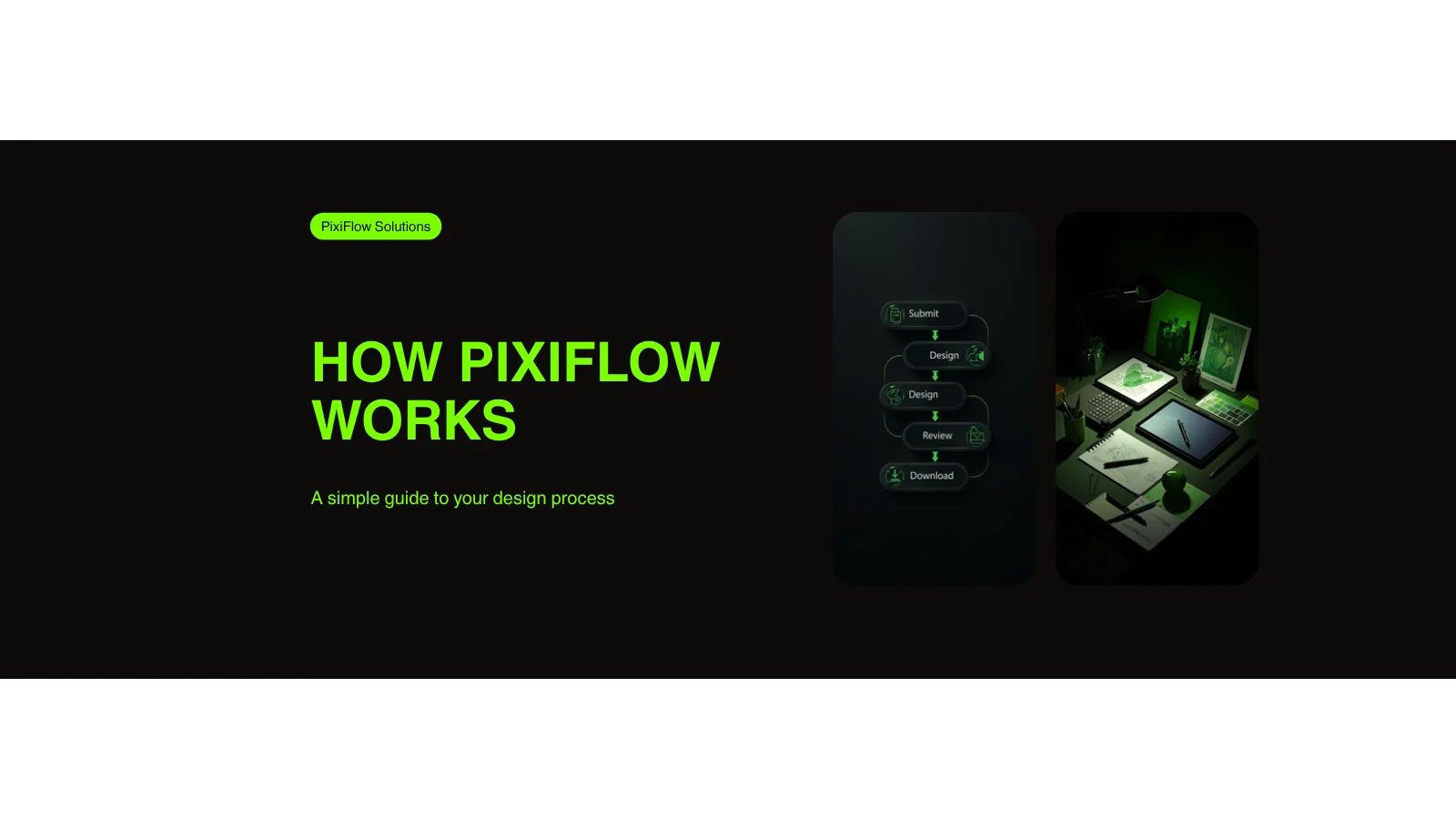
PixiFlow is designed to be the simplest way to get professional design work done. No onboarding decks, no kickoff meetings, no SOWs. You sign up, submit a task, and get your first delivery within 48 hours. Here's exactly how the process works from start to finish.
Step 1: Sign Up and Choose Your Plan
Start by choosing the PixiFlow plan that matches your workload. All plans include the full range of design services — UI/UX, web, brand, marketing, presentations, and video. The difference is how many tasks PixiFlow works on simultaneously:
- Starter (€1,299/mo) — 1 active task at a time. Best for teams with steady but moderate design needs.
- Pro (€1,699/mo) — 2 active tasks with a dedicated designer. Built for teams shipping weekly.
- Scale (€2,999/mo) — 3 active tasks with a dedicated team and private Slack channel.
Checkout runs through Stripe. You're billed monthly with no contract — cancel or pause anytime. Pro and Scale subscribers get a short intro call with their dedicated designer (optional, not required to start submitting work).
Step 2: Submit Your First Design Task
Once your PixiFlow account is active, submit your first task through the shared workspace. A good task brief includes:
- What you need (landing page, app screen, social media set, pitch deck, etc.)
- Any brand assets — logos, colors, fonts, existing design files
- References or inspiration — screenshots, URLs, or mood boards
- Copy and content — headlines, body text, CTAs
- Technical specs — dimensions, file formats, platform requirements
Don't worry about writing a perfect brief. PixiFlow designers will ask clarifying questions if anything is unclear. The goal is to give enough context to start — not to write a formal creative brief.
Step 3: Your Designer Gets to Work
Your task enters the PixiFlow queue and a senior designer starts working on it. For Pro and Scale plans, this is your dedicated designer who already knows your brand. For Starter plans, the task is assigned to the next available designer on the team.
Most tasks are delivered within 48 hours. Simple requests — social graphics, banner variations, minor edits — often land in 24 hours. Larger projects (full websites, complex dashboards, comprehensive deck designs) are broken into stages and delivered progressively so you can review as the work develops.
You don't need to check in or chase updates. PixiFlow notifies you when the first version is ready for review.
Step 4: Review and Revise
When your design is ready, review it in the workspace. You can leave feedback directly on the design — point to specific elements, describe what you'd like changed, and PixiFlow will iterate.
Revisions are unlimited on every PixiFlow plan. There's no cap, no extra charge, and no diminishing priority. The design isn't done until you say it's done. Most tasks reach final approval in 1–2 revision rounds.
Step 5: Download Source Files
Once you approve the design, download everything. PixiFlow delivers:
- Source files — Figma, Adobe (PSD, AI, INDD), PowerPoint, Framer projects
- Production-ready exports — PNG, SVG, PDF, WebP, MP4
- Organized assets — files named and structured for handoff to developers or marketing platforms
You own everything. All intellectual property transfers to you on delivery. PixiFlow retains no rights to your designs.
As soon as a task is complete, the next task in your queue starts automatically. There's no gap between projects and no need to re-brief — your designer already has context from previous work.
See PixiFlow in action
Pick a plan, submit your first task today, and get a finished design back within 48 hours. No contracts, no commitments.
See PlansTips for Getting the Most Out of PixiFlow
Teams that get the best results from PixiFlow tend to follow a few patterns:
- Batch similar tasks. Submit all your social media graphics for the week as one task rather than one at a time. PixiFlow can create a cohesive set faster than individual posts.
- Share brand files upfront. Upload your brand guidelines, logo package, and font files when you start. This saves a round of questions on every task.
- Use references. A screenshot or URL showing what you like is worth a hundred words of description. PixiFlow designers work faster and more accurately with visual references.
- Keep your queue full. Don't wait for one task to finish before submitting the next. A loaded queue means PixiFlow starts your next task instantly when the current one completes.
- Be specific in revisions. Instead of "make it pop," say "increase the heading size to 48px and change the CTA button to green." Specific feedback leads to faster approvals.
Frequently Asked Questions About PixiFlow
How long does PixiFlow take to deliver a design?
Most tasks are delivered within 48 hours. Simple requests like social graphics or banner edits often come back in 24 hours. Larger projects are broken into stages and delivered progressively.
Can I submit multiple tasks at once?
Yes. You can queue unlimited tasks. PixiFlow works on 1 (Starter), 2 (Pro), or 3 (Scale) tasks simultaneously. When one finishes, the next starts automatically.
What file formats does PixiFlow deliver?
Source files in Figma, Adobe (PSD, AI, INDD), PowerPoint, and Framer. Production-ready exports include PNG, SVG, PDF, WebP, and MP4 for video.
Do I own the designs PixiFlow creates?
Yes. All intellectual property and source files belong to you from the moment of delivery. PixiFlow retains no rights to your designs.
What happens if I don't like a design?
Request revisions — they're unlimited and included in every plan. Provide specific feedback and PixiFlow will iterate until you approve the design.